Callback in JavaScript why they exist
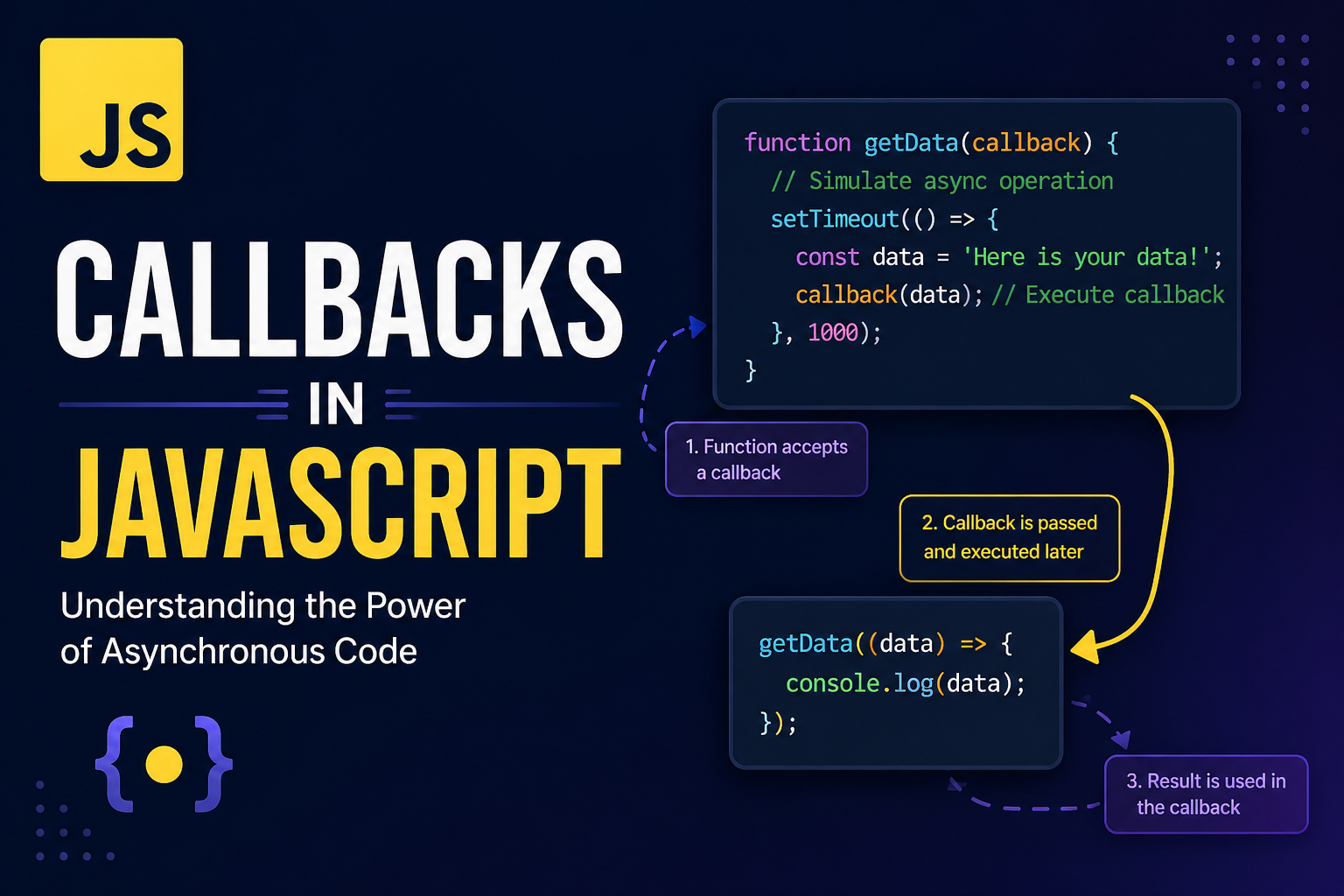
In JavaScript's asynchronous nature is one of it's greatest strengths and one of it's most confusing parts.
What a callback function is
A callback function is simply a function passed as an arguments to another function, with the expectation that it will be "called back: later.
function repeat(fn, times) {
  for (let i = 0; i < times; i++) {
    fn();
  }
}

function logHi() {
  console.log("Hi!");
}

repeat(logHi, 3);
// > Hi!
// > Hi!
// > Hi!
In this function
logHi is a callback
repeat is the higher order function that accepts and calls the callback.
Callbacks are not inherently asynchronous. They can be used in:
Synchronous code (like repeat, forEach, map).
Asynchronous code (like timers, events, HTTP requests).
Why callbacks are used in asynchronous programming
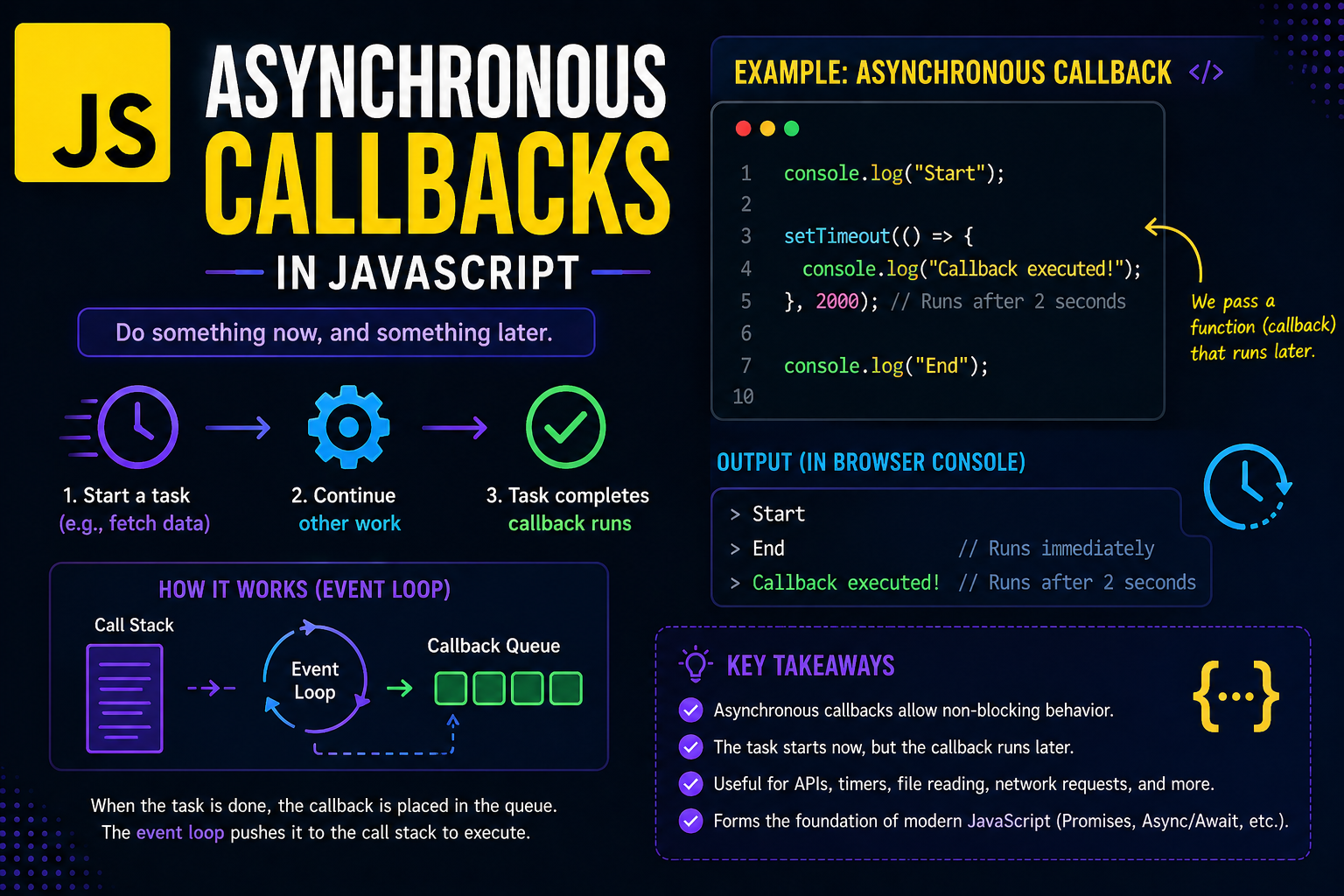
Asynchronous operations (timers, HTTP calls, file I/O, user events) don’t finish immediately. Instead of blocking the entire program, JavaScript schedules them and continues executing the rest of the code.
Callbacks are used to say:
When this async operation finishes, call this function with the result.
Example: setTimeout with a callback
function sayLater() {
    console.log("Later!");
}

console.log("Before");
setTimeout(sayLater, 1000); // 1 second delay console.log("After");

// Output:
// Before
// After
// Later! (after 1 second)
Here:
setTimeout is the async operation.
sayLater is the callback that runs when the timer finishes.
The key point is timing: the callback runs after the current code finishes, but the shape of the code is still simple: setTimeout(callback, delay).
Passing functions as arguments (more examples)
Before you see callbacks in async code, it helps to see them in familiar, synchronous patterns.
Arrays: forEach, map, filter
const numbers = [1, 2, 3, 4];

// forEach takes a callback (function) for each item numbers.forEach(function (num) {
    console.log(num);
});

// With arrow syntax
numbers.map((num) => num * 2);
In each case:
function (num) { ... } is a callback.
The array method calls it for every element.
Event listeners (simple UI example)
document.getElementById("btn")
    .addEventListener("click", function () {
    console.log("Button clicked!");
});
Here:
addEventListener expects a callback.
Your function runs later, when the user clicks.
None of this is magic; it’s just functions passed as arguments to be called later.
Callback usage in common scenarios
Callbacks show up again and again in JavaScript:
Timers setTimeout(fn, ms), setInterval(fn, ms).
Event handling addEventListener("click", fn).
Node‑style I/O fs.readFile("file.txt", (err, data) => { ... }).
HTTP clients fetch(url).then(result => { ... }).
In all of these, the core pattern is the same:
asyncOperation(function (result) {
     // do something with result
});
The operation starts immediately, but the callback runs whenever the result is ready.
Basic problem of callback nesting (callback hell)
Callbacks are simple individually, but when you chain several async operations, they tend to nest deeply.
Example: nested callbacks
readFile("config.json", function (err, config) {
    if (err) {
        console.error(err);
        return;
    }
    fetchUserData(config.userId, function (err, user) {
        if (err) {
            console.error(err);
            return;
        }
        updateUserProfile(user, function (err, updatedUser) {
              if (err) {
                console.error(err);
                return;
              }
          console.log("Done:", updatedUser);
      });
   });
});
This pattern is often called “callback hell” because:
The code moves to the right with every level.
Error‑handling boilerplate (if (err) { ... }) is repeated.
The control flow becomes hard to read and refactor.
The problem isn’t callbacks themselves; it’s this pattern of nesting without a clearer structure.
Conceptual problems with callbacks
Beyond the visual nesting, callbacks introduce a few conceptual issues:
Inversion of control: You hand over a function and trust that someone else will call it correctly and at the right time.
Error handling complexity: Async errors often don’t bubble up like synchronous exceptions, so you must handle them in every callback.
Debugging difficulty: When an error happens inside a callback, the stack trace can be harder to follow because the callback is invoked much later by the runtime.
These issues are why modern JavaScript leans on Promises and async/await, which are built on top of the same idea (running code “later”) but with a cleaner syntax.
Suggestions for writing better callback code
Even if you’re not yet using async/await, you can keep callback‑based code readable and maintainable by following a few patterns.
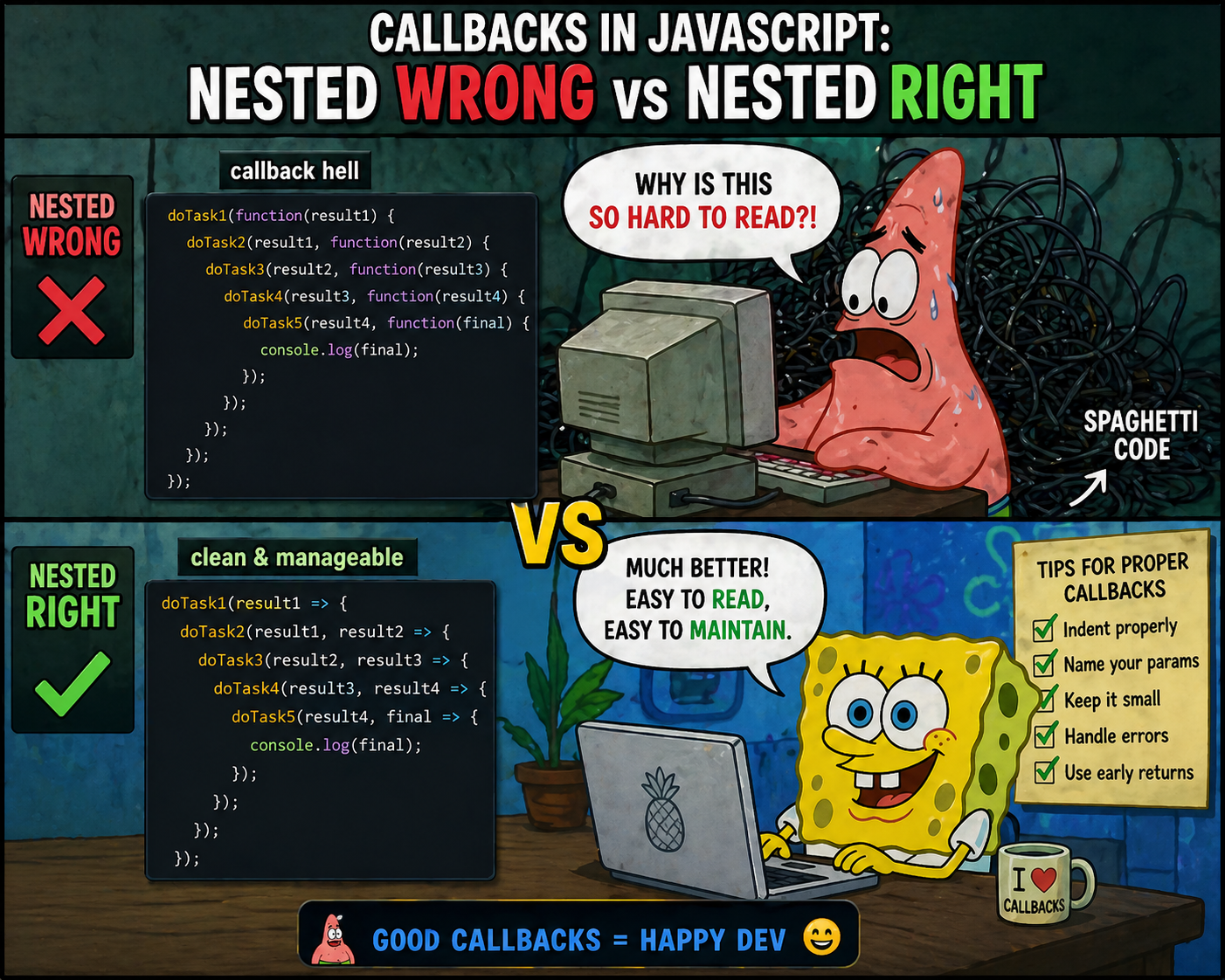
- Use named functions instead of inline callbacks.
Instead of:
fs.readFile("data.txt", function (err, data{
    console.log(data);
});
Write:
function handleData(err, data) {
    if (err) {
        console.error(err);
        return;
        }
    console.log(data);
}
fs.readFile("data.txt", handleData); Named functions make it easier to:
Reuse the same callback in multiple places.
Test the callback logic independently.
Extract common logic into helper functions
If you see the same if (err) { ... } pattern, wrap it:
function safeCallback(fn) {
    return function (err, ...args) {
        if (err) { console.error("Async error:", err);
            return; } fn(...args);
        };
    }

fs.readFile("data.txt", safeCallback(function (data) { console.log(data); }));
This keeps your main logic focused on what should happen when things succeed.
Avoid deep nesting;
use sequential functions Instead of nesting four callbacks inside each other, break them into small, sequential functions:
function readConfig(callback) { readFile("config.json", callback); }

function fetchUser(config, callback) { fetchUserData(config.userId, callback); }

function updateAndLog(user, callback) { updateUserProfile(user, callback); }

readConfig(function readConfigCb(err, config) {
    if (err) return;
    fetchUser(config, function fetchUserCb(err, user) {
        if (err) return;
        updateAndLog(user, function updateCb(err, updatedUser){
            if (err) return; console.log("Done:", updatedUser);
        });
    });
});
This is still “callback hell”‑style, but each step is isolated, making it easier to test and refactor.
Gradually move toward Promises/async/await
Once you’re comfortable with callbacks, the next step is:
Wrap callback APIs in Promises.
Use async/await to avoid explicit nesting:
async function processUser() {
    const config = await readFileAsync("config.json");
    const user = await fetchUserDataAsync(config.userId);
    const updated = await updateUserProfileAsync(user);
    console.log("Done:", updated);
}
This uses the same concept (callbacks, but under the hood) but presents a much cleaner, more readable control flow.
Closing thoughts
Callbacks are not “bad”; they’re a fundamental pattern in JavaScript that power event handling, timers, and async I/O. The real problem is how we organize them.
By starting with:
Understanding that functions are values,
Practicing simple synchronous examples (forEach, repeat, event listeners),
Then moving to async timers and I/O,
you build a mental model that makes both callbacks and modern async/await much easier to reason about.


