Template Literals in JavaScript
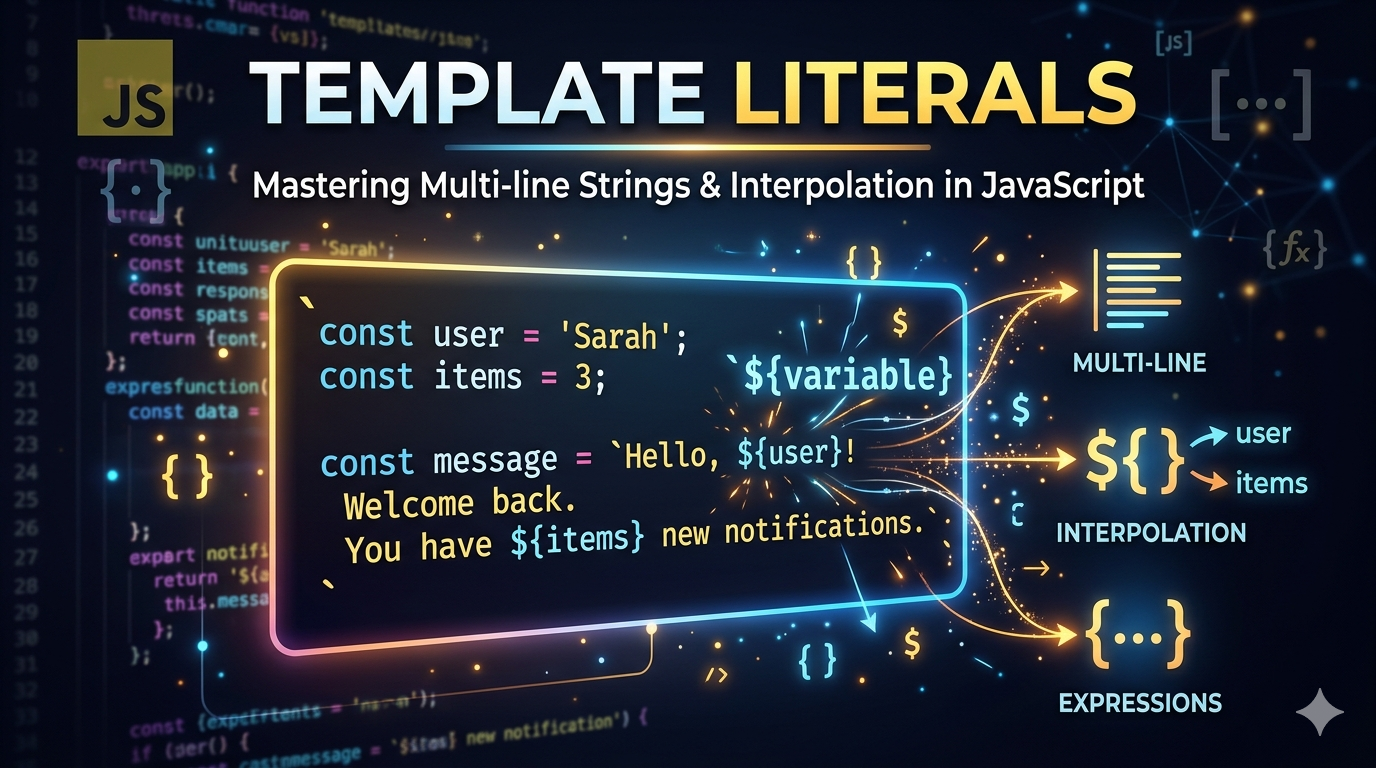
Working with string is something every JavaScript developer does daily. But if you're ever traditional string concatenation, you know it can quickly become messy and hard to read.

Problems with Traditional String Concatenation
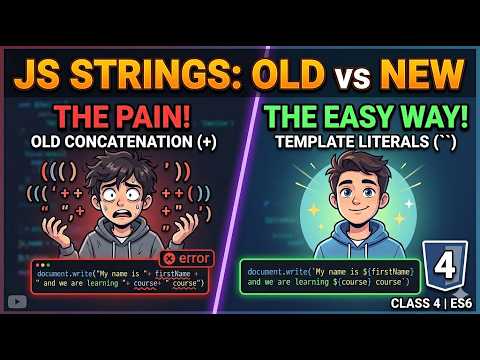
Before ES6, we used the + operator to combine strings. It was hard to read and increase the chances to make mistakes like ( missing spaces, quotes ). Difficult to manage multiple variables. It is poor formatting and multiline text.
Examples :
const name = "Ravi Kumar Paswan";
const age = 23;

const message = "my name is " + name + " and my age is " + age;
Template Literal Syntax
The template literals were introduced in ES6 to solve these problems by using backticks ( ` ` ) instead of quotes and also supports embedded expressions.
const name = "Ravi Kumar Paswan";
const age = 23;

const message = `My name is \({name} and my age is \){age};
console.log(message); //

Output : My name is Ravi Kumar Paswan and my age is 23
Embedding variables in strings
Instead of using + operator, we can directly insert variables using ${variable} like we have seen in the previous example. Which is having a clear syntax and no need for + operator and it is also easy to understand.
Multi-line strings
Now we come for traditional string which is messy and hard to maintain and also decrease the readability of the code. Here we have high chances to make mistakes.
const text = "Hello\n" +
"This is line 2\n" +
"This is line 3";
Using Template Literals :
It is clean and have clear syntax also make readability easier. Here the variable is inserted by ${variable}.
const text = `
Hello
This is line 2
This is line 3`;
Comparing old and new way
Before ES6
const text = "Hello\n" +
"This is line 2\n" +
"This is line 3";
After ES6
const text = `
Hello
This is line 2
This is line 3`;
Use cases in modern JavaScript
It is used widely in modern real-world development here we have dynamic HTML generation, API data display, logging and debugging and many more.
Dynamic HTML generation
const name = "Ravi Kumar Paswan"
const html = `<h1>Hello ${name}</h1>`;
API Data displaying
const product = {name : "Phone", price: 15000};
const info = `Product : \({product.name} and the price for this is \){product.price};
Logging and debugging
console.log(`User name \({name} is logged in to check \){product()}`);
Conditional Expression
const isLoggedIn = true;

const message = `User id ${isLoggedIn} ? "Online" : "Offline"`;
We have seen the many uses of template literals which is being used in modern and real-world development.


