Understanding Object-Oriented Programming in JavaScript
Object-Oriented Programming (OOP) is a way of writing code where we organize data and behavior into objects. It helps developers build programs that are structured, reusable, and easier to maintain.
JavaScript supports Object-Oriented Programming through classes and objects, allowing us to model real-world entities in our code.
What Object-Oriented Programming (OOP) Means
Object-Oriented Programming is a programming approach where we create objects that contain both data and functions.
Data → stored as properties
Functions → stored as methods
Instead of writing many separate variables and functions, OOP lets us group related information together inside objects.
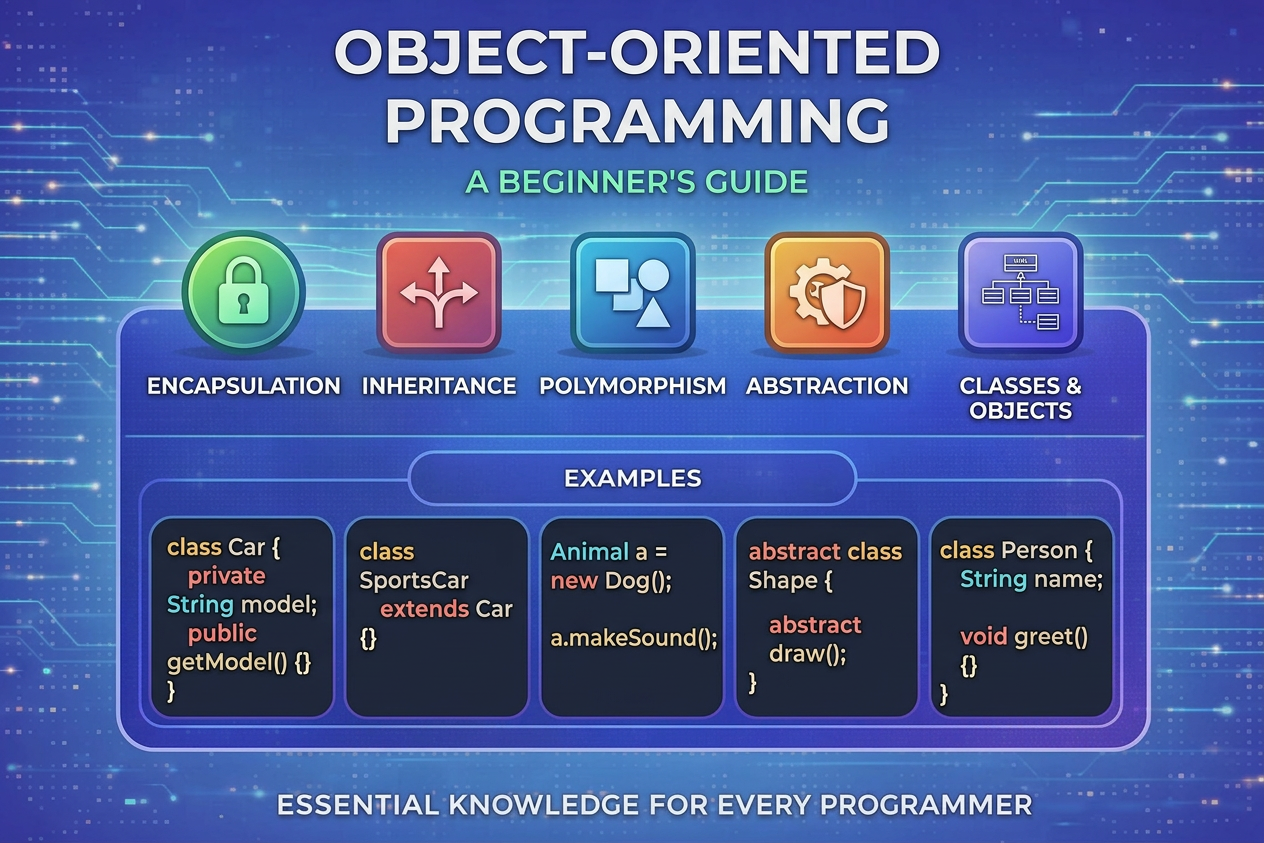
Real-World Analogy: Blueprint → Objects
A simple way to understand OOP is by using the idea of a blueprint.
Imagine a car factory.
The blueprint describes how a car should look and behave.
Many cars can be created from the same blueprint.
In programming:
Class → blueprint
Object → actual item created from the blueprint
Example:
Blueprint: Car
Objects: Car1, Car2, Car3
Each car has the same structure but can have different values.
What is a Class in JavaScript?
A class is a blueprint used to create objects.
It defines what properties and methods an object will have.
Example:
class Car {
  constructor(brand, year) {
    this.brand = brand;
    this.year = year;
  }
}
Here, the class Car describes the structure for creating car objects.
Creating Objects Using Classes
Objects are created using the new keyword.
Example:
const car1 = new Car("Toyota", 2022);
const car2 = new Car("Honda", 2021);
Now we have two objects created from the same class.
car1 → Toyota, 2022
car2 → Honda, 2021
This shows how classes allow us to reuse the same structure to create multiple objects.
The Constructor Method
The constructor is a special method inside a class.
It runs automatically when a new object is created and is used to initialize object properties.
Example:
class Person {
  constructor(name, age) {
    this.name = name;
    this.age = age;
  }
}

const person1 = new Person("Rahul", 21);
Here:
- name and age are assigned when the object is created.
Methods Inside a Class
Classes can also contain methods, which define the actions objects can perform.
Example:
class Person {
  constructor(name, age) {
    this.name = name;
    this.age = age;
  }

  greet() {
    console.log("Hello, my name is " + this.name);
  }
}

const user = new Person("Rahul", 21);
user.greet();
Output:
Hello, my name is Rahul
Here, greet is a method that belongs to the Person class.
Basic Idea of Encapsulation
Encapsulation means keeping data and the functions that operate on that data together inside a class.
Instead of managing many separate variables and functions, we store everything inside one structure.
Example:
class Car {
  constructor(brand) {
    this.brand = brand;
  }

  start() {
    console.log(this.brand + " car started");
  }
}
The data (brand) and behavior (start) are bundled together, which makes the code easier to organize.
Why OOP is Useful
Object-Oriented Programming helps in:
Code reusability – use the same class to create many objects
Better organization – group related data and methods
Easier maintenance – structured code is easier to update
Modeling real-world entities
Practice Assignment
Try creating your own class to practice OOP concepts.
Task
Create a class called Student
Add properties name and age
Add a method that prints the student's details
Create multiple student objects
Example Solution
class Student {
  constructor(name, age) {
    this.name = name;
    this.age = age;
  }

  printDetails() {
    console.log(this.name + " is " + this.age + " years old.");
  }
}

const student1 = new Student("Aman", 20);
const student2 = new Student("Neha", 22);

student1.printDetails();
student2.printDetails();
Output:
Aman is 20 years old.
Neha is 22 years old.
This example shows how one class can be used to create multiple objects with different data.
Comments
Join the discussionNo comments yet. Be the first to comment.


